
What the feature graphic should do
The feature graphic is a required Google Play asset and a campaign surface beyond the listing itself. Google may use it as the cover for a preview video, in large app collections and in ads. It should communicate the product category, brand feel and core promise quickly.
Strong feature graphics usually include
- A short headline or brand moment.
- One clear product visual.
- High contrast at small sizes.
- A background that feels connected to the screenshots.
- No tiny UI details that only work at full size.
Technical requirements
| Property | Google Play requirement |
|---|---|
| Canvas | 1024 x 500 px |
| Format | JPEG or 24-bit PNG |
| Transparency | No alpha channel |
| Localization | Localize graphic text for supported markets |
Keep the focal point and essential text near the center. Google can crop the edges or place interface overlays over the graphic in some surfaces. Background decoration can extend outward, but logos, product names, primary slogans and important UI should stay away from cutoff zones.
Content to avoid
Google specifically advises against claims about Play performance, ranking, testimonials, awards, prices or promotions. Phrases such as "Best", "#1", "Top", "New", "Free", "Sale" or download-count claims can make the asset non-compliant. Avoid Google Play badges, third-party marks you do not have permission to use and time-sensitive claims that will quickly become stale.
Google also recommends avoiding device imagery in feature graphics. A device shell can date the design and imply that the app is limited to a particular device. Showing a focused crop of the actual product experience is usually more durable.
Compare approaches
| Approach | Strength | Watch out for |
|---|---|---|
| Product-first | Shows what the app actually does | Can become crowded |
| Benefit-first | Communicates value quickly | Needs visual proof nearby |
| Brand-first | Builds recognition | May under-explain the product |
Pairing with screenshots
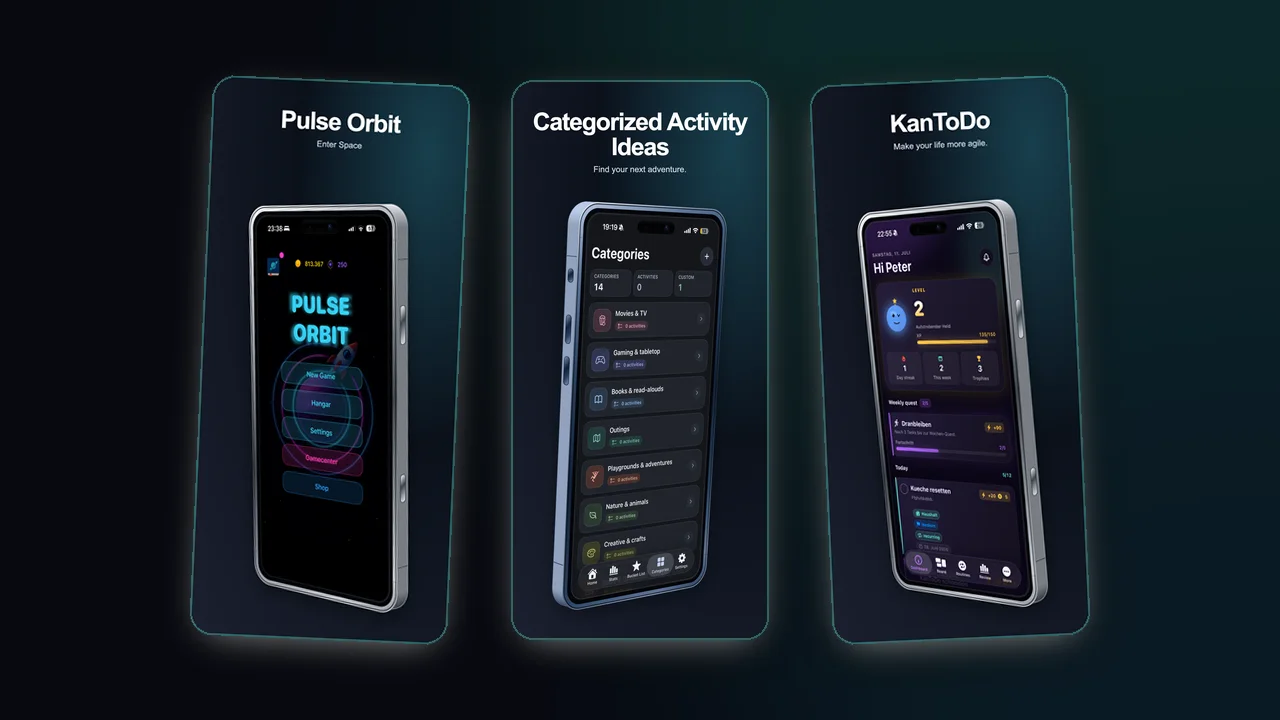
If the feature graphic is bold and simple, screenshots can carry more specific proof. If the feature graphic is detailed, screenshots should become calmer and more modular.
Accessibility and localization
Play Console supports alt text for graphic assets. Describe the meaningful product state in 140 characters or fewer and skip phrases like "image of". When the feature graphic includes words, upload a localized version for each supported listing language rather than relying on one English master.