
The short version
Apple and Google both require listing assets to represent the actual app experience. The practical difference is the surrounding system: Apple organizes screenshots by defined display groups and allows up to ten per size and language, while Google Play accepts a broader image range, requires at least two screenshots overall and uses screenshots across more discovery surfaces.
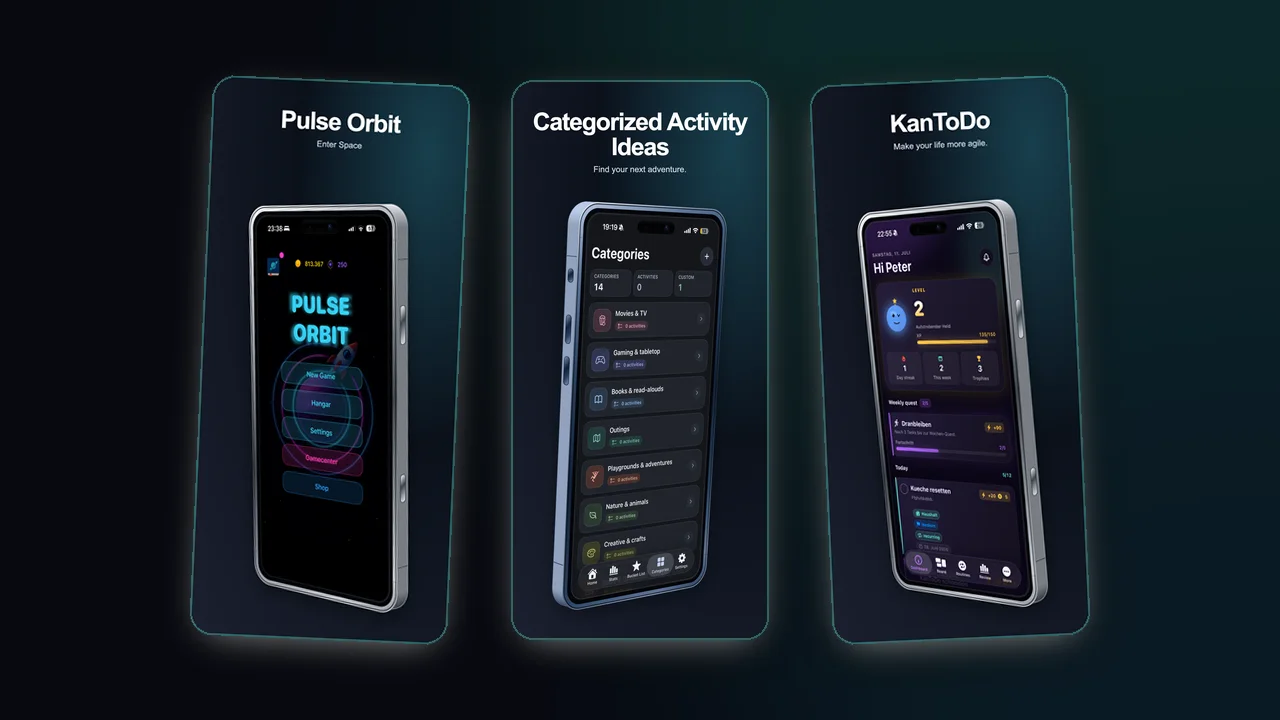
Key differences
| Area | Apple App Store | Google Play |
|---|---|---|
| Quantity | 1 to 10 screenshots per supported device size and language | At least 2 overall; up to 8 per supported device type |
| File rules | JPEG, JPG or PNG at Apple-defined dimensions | JPEG or 24-bit PNG without alpha; 320 to 3840 px |
| Product proof | Must show the app in use; overlays are allowed | Must demonstrate the actual in-app experience |
| Additional asset | Optional app previews can precede screenshots | Feature graphic is required and also covers the preview video |
| Testing | Product Page Optimization can test up to 3 treatments | Store listing experiments can test listing variants |
What to keep consistent
- Lead with the strongest user outcome.
- Keep each screenshot focused on one message.
- Avoid claims that the screen itself cannot support.
- Keep typography large enough for store thumbnails.
What to adapt
Apple App Store
Apple's review guideline 2.3.3 says screenshots should show the app in use, rather than only title art, a login page or a splash screen. Text and image overlays are allowed. If a screenshot promotes content that requires an additional purchase, the listing must make that clear.
Apple's Product Page Optimization supports up to three alternate treatments for icons, screenshots and previews. This means Apple is not inherently a slower testing environment, but the app must be live and eligible, and a new app version can affect an active test.
Google Play
Google requires screenshots to accurately show the current app. Standard screenshots need a minimum dimension of 320 px, a maximum of 3840 px and no side may be more than twice the length of the other. For eligibility in screenshot-led recommendation formats, Google recommends at least four 1080 px app screenshots in 9:16 or 16:9.
The feature graphic has its own fixed specification: 1024 x 500 px, JPEG or 24-bit PNG without alpha. Google advises against device imagery in that asset because devices date quickly and may exclude users.
Recommended production approach
Build screenshots around a shared content brief:
- Target user and job-to-be-done.
- Three strongest benefits.
- Proof points available in the UI.
- Required store formats.
- Localization plan.
Then export store-specific variants instead of manually rebuilding every frame.