Fitness · Available
Daybreak
Warm ivory, burnt orange and a five-screen story for everyday movement.
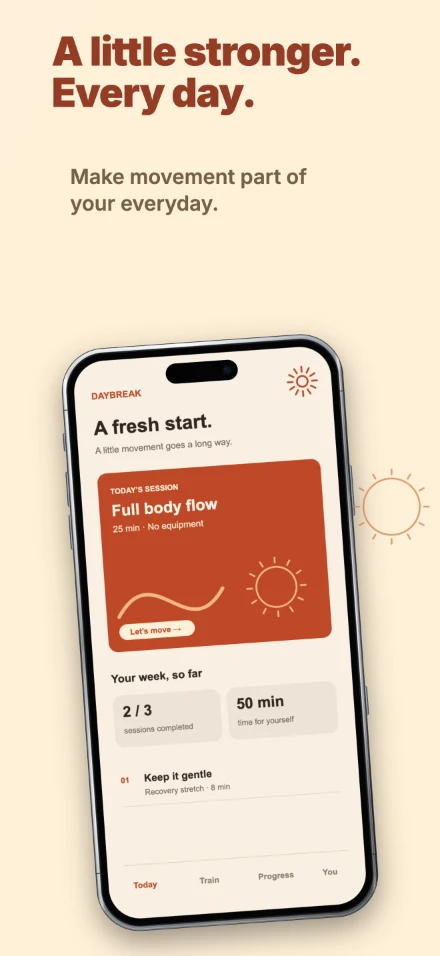
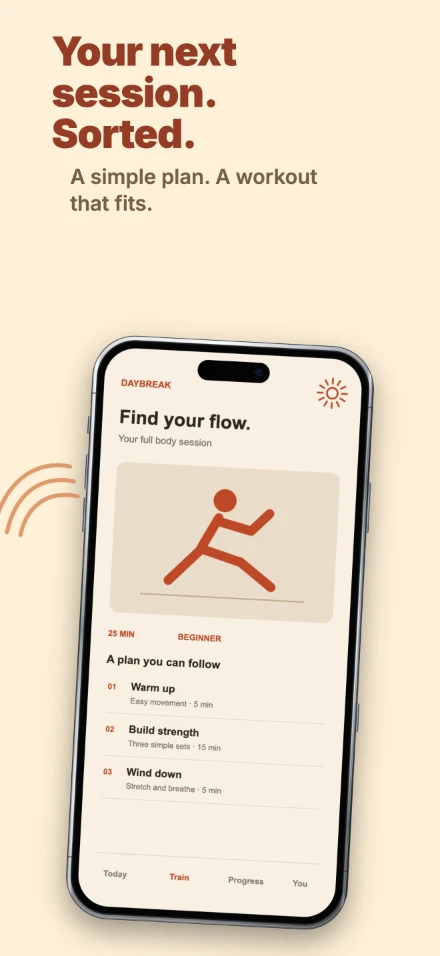
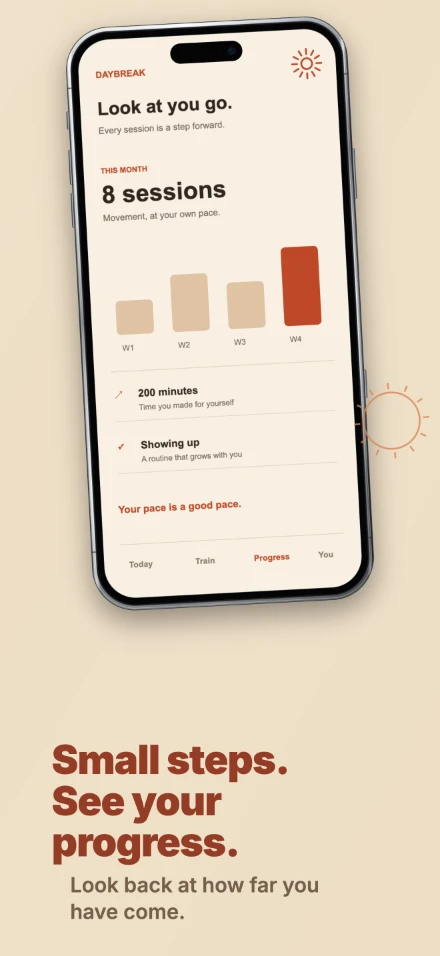
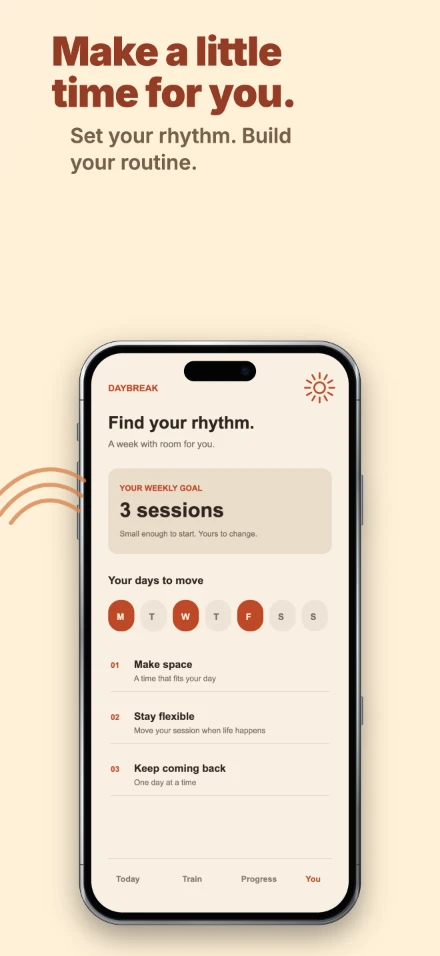
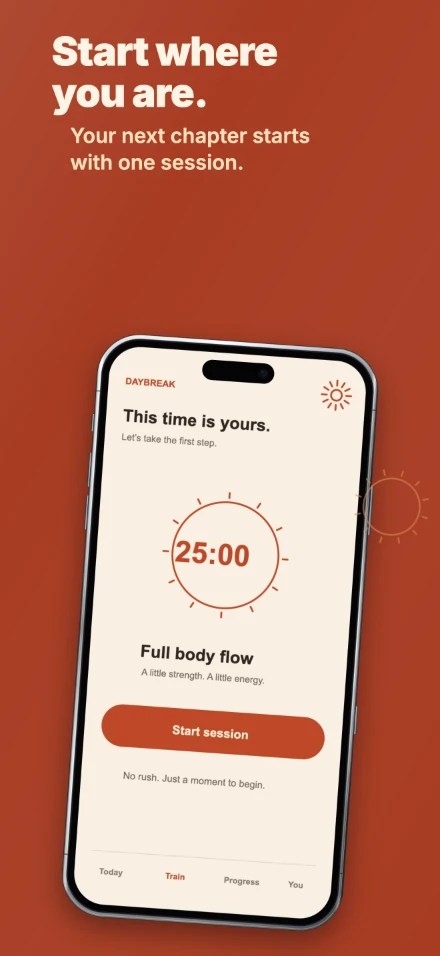
Actual ShotForge exports · €9, one-time · Included in The Original Three
100% free · No login · No watermark
Drop in raw screenshots, pick a template and export a ready-to-upload set for the App Store and Google Play – in every language you ship, right in your browser.
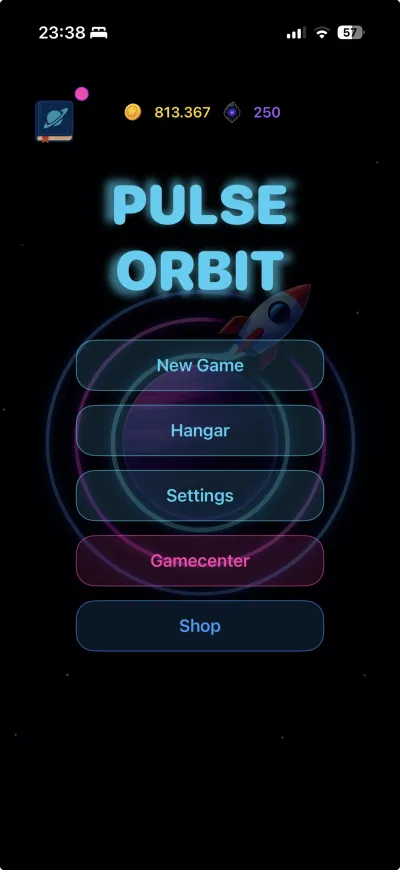
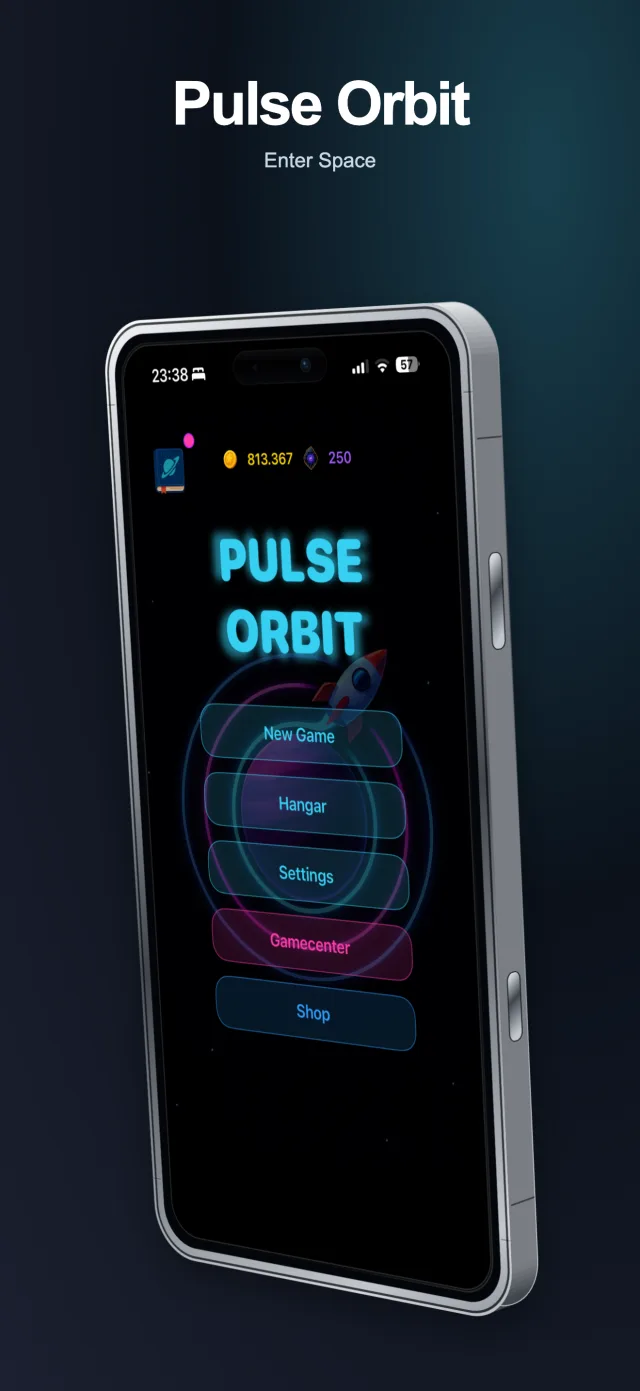
See it in action
Real recordings of the editor on shotforge.studio, with real exports. Nothing staged, no mock-ups.
How it works
PNG, JPG or WebP, straight from the simulator or your own device. They load into the browser and stay there.
6 templates, 46 looks, 3D device frames, backgrounds, headlines and zoom callouts — edited live on the canvas.
One ZIP at the exact size each store demands, every language in its own folder, and no watermark on a single pixel.
Free app store screenshot generator
ShotForge is a free app store screenshot generator that runs entirely in your browser. Upload your raw captures, start from one of 6 ready-made templates, and export store-ready graphics for the Apple App Store and Google Play as a single ZIP — no login, no subscription, and no watermark on a single pixel. Every image is rendered locally on your own machine, and ShotForge receives none of your images. Optional App Store uploads run separately through Fastlane on your Mac.
New in this release
The 1024-pixel floor is gone. Screens, text, design and elements sit in a bottom toolbar, the project menu holds projects and the assistant, and the canvas takes the rest of the screen.
Phone layout below 768 pixels, tablet workbench up to 1023, desktop workbench above.
Two-finger zoom, tap a headline to edit it, and position sliders when dragging is too fiddly. Every visible action is at least 44 by 44 pixels.
The preview adapts to the screen; the export does not. Every image still leaves at the store's exact pixel size.
Projects live on the device they were made on. Move one with a .shotforge.zip file — there is no account, so there is nothing to sync.
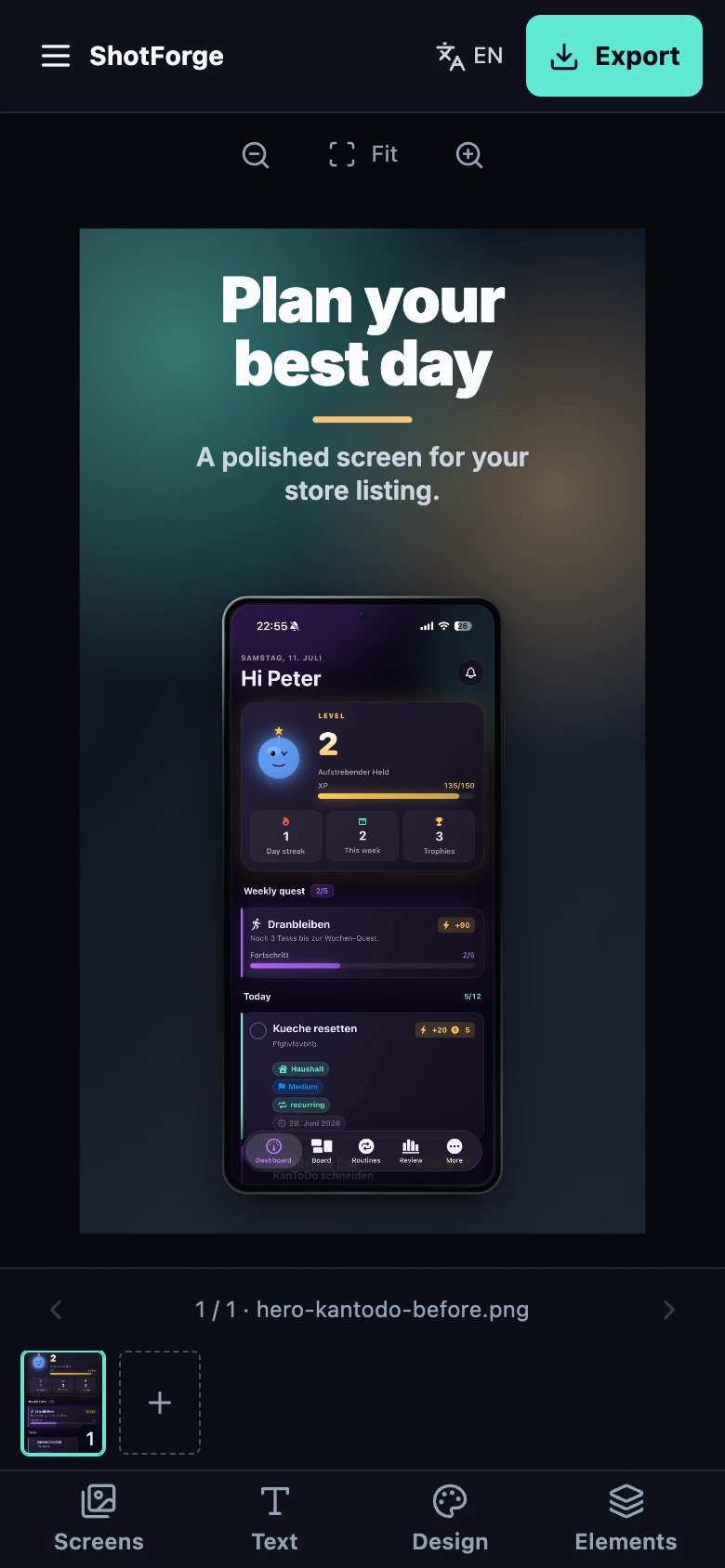
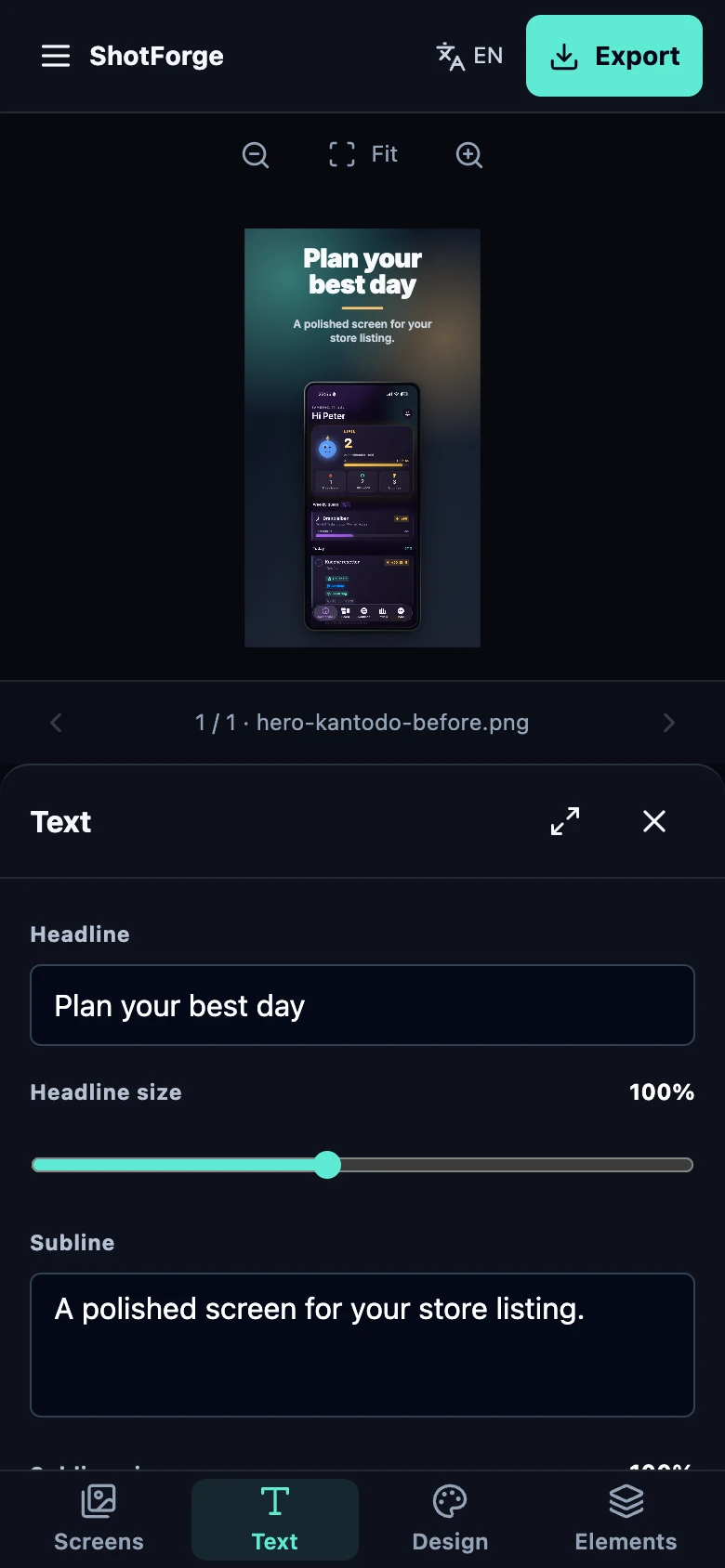
100% free · No login · No watermark
Most screenshot tools gate exports behind an account, a trial or a watermark. ShotForge does not.
Start Creating FreePremium design packs
Optional, editable design packs for your next app launch. The editor and its existing templates stay free. Explore 21 designs, including 5 themed collections.
Fitness · Available
Warm ivory, burnt orange and a five-screen story for everyday movement.
Actual ShotForge exports · €9, one-time · Included in The Original Three
AI Chat · Available
Midnight violet, luminous accents and real conversation examples. A story for writing, ideas and everyday clarity.
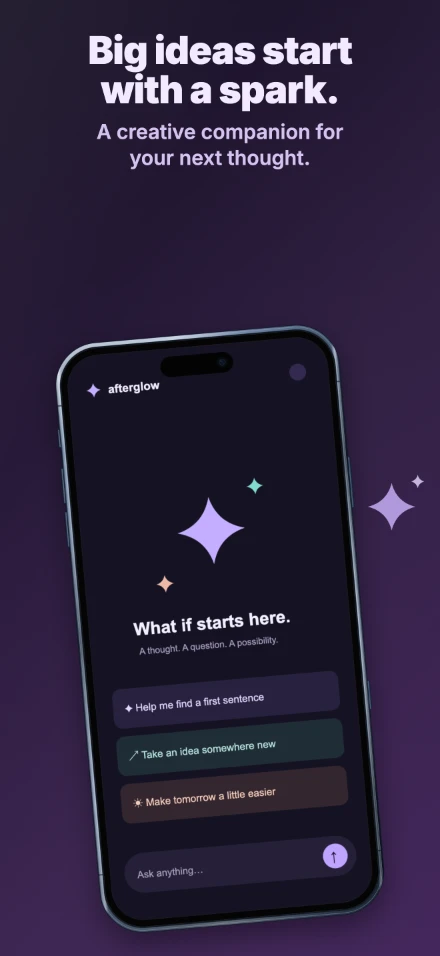
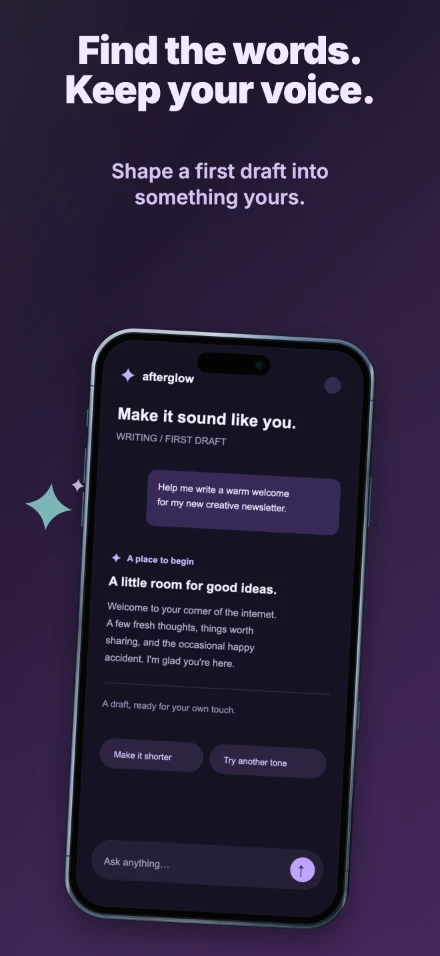
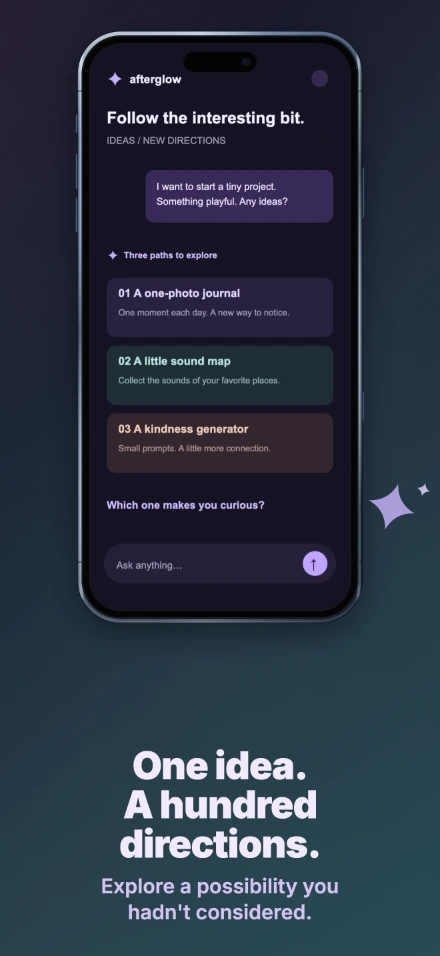
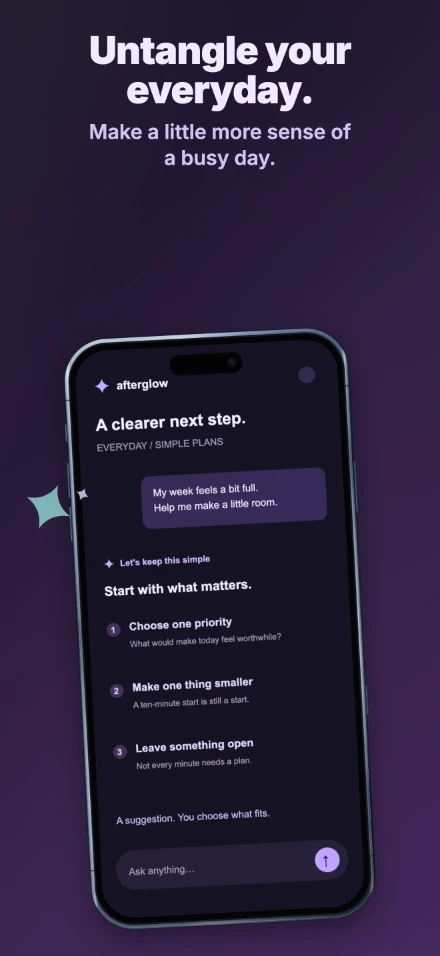
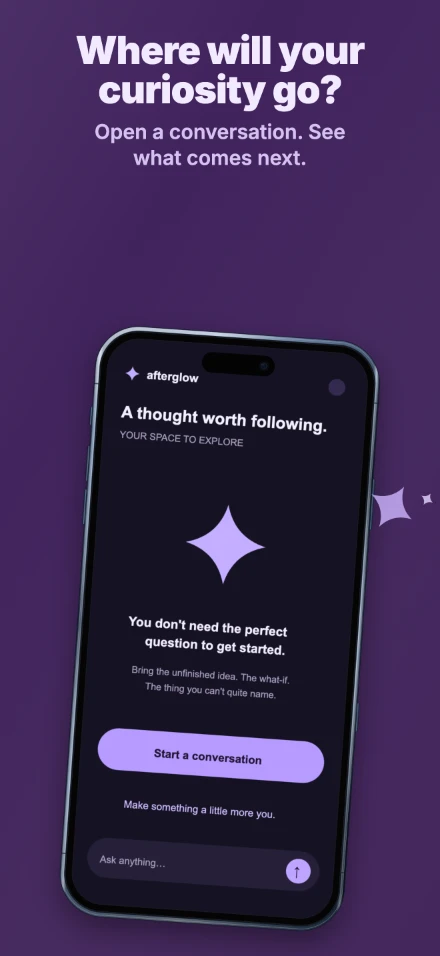
Actual ShotForge exports · €9, one-time · Included in The Original Three
Personal finance · Available
Emerald glass, brass and sculptural stone. A composed five-screen story for budgets, spending and personal goals.
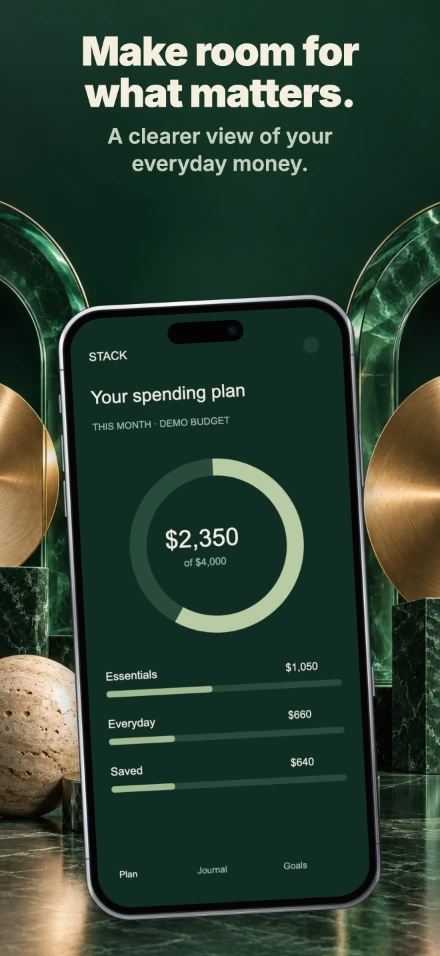
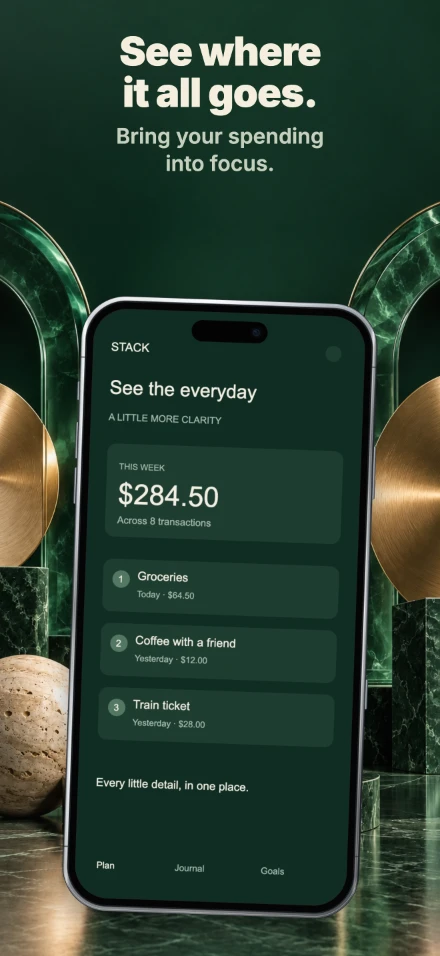
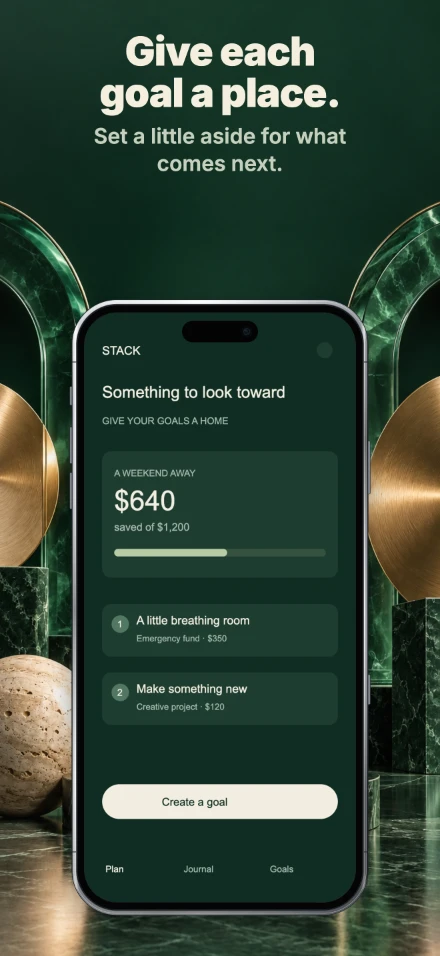
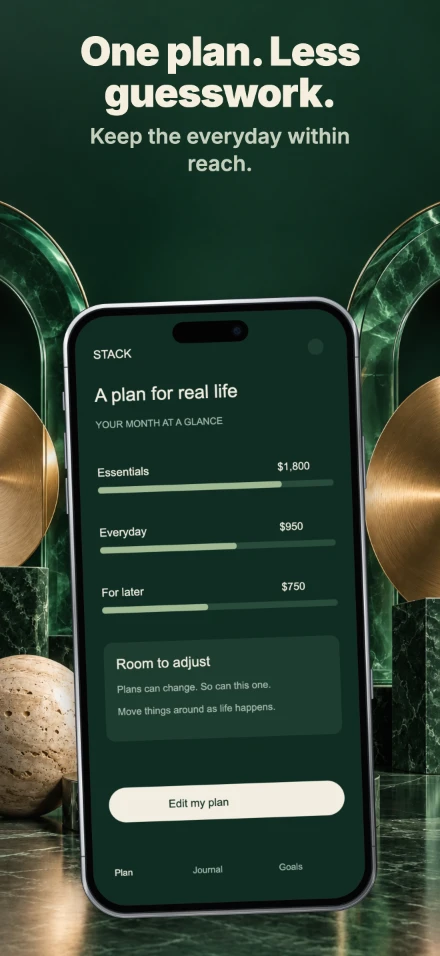
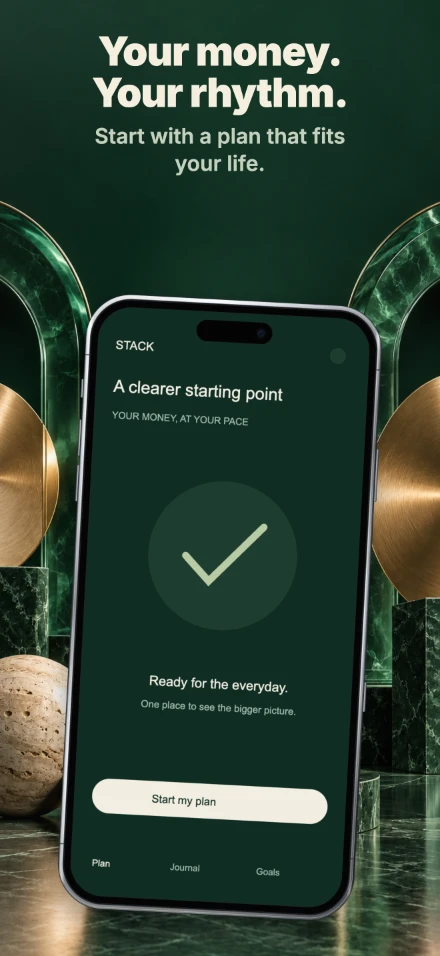
Actual ShotForge exports · €12, one-time
Resources
Practical guides on sizes, copywriting and launch workflows for the App Store and Google Play.
Compare screenshot tools by cost, local processing, localization and release workflow, with an updated look at ShotForge and its limits.
10 min readA practical comparison of screenshot requirements, review expectations and creative strategy across Apple App Store and Google Play.
10 min readA concise guide to Apple App Store screenshot sizes, format planning and layout decisions before export.
9 min readOpen the editor and export a finished set before your coffee goes cold. No account, no watermark, no bill.
Start Creating Free100% free · No login · No watermark